

 ShopifyE-commerce operations
One goal. Let AI do the browser work.
 Browser Agent
SCROLL TO TRANSFORM
01/ CONNECTED APPS
Connect Your Everyday Apps
ShopifyE-commerce operations DouyinVideo operations
 AmazonCross-border commerce
 SHEINCross-border retail
 BilibiliVideo creation
 DiscordCommunity operations
 ChatGPTAI chat
 NotionKnowledge management
 ZoomOnline meetings
 XiaohongshuContent operations
 KuaishouShort-form video
 TemuPlatform operations
 AliExpressGlobal commerce
 ZhihuKnowledge sharing
 DoubanHobby communities
 ClaudeAI assistant
 FigmaDesign collaboration
 DropboxFile collaboration
 WeChat Official AccountsContent management
 Ocean EngineAdvertising
 TaobaoStore operations
 LazadaSoutheast Asian commerce
 LinkedInProfessional networking
 QianniuMerchant workspace
 GitHubCode collaboration
 TrelloTask boards
 WordPressWebsite operations
 WeChat ChannelsVideo channels
 MeituanLocal services
 JD.comProduct operations
 Ele.meDelivery operations
 RedditGlobal communities
 TikTokGlobal short-form video
 GitLabDevelopment
 SlackTeam communication
 PinterestInspiration
02/ IN THE AGENTIC BROWSER
Every Task, Live In The Agentic Browser.
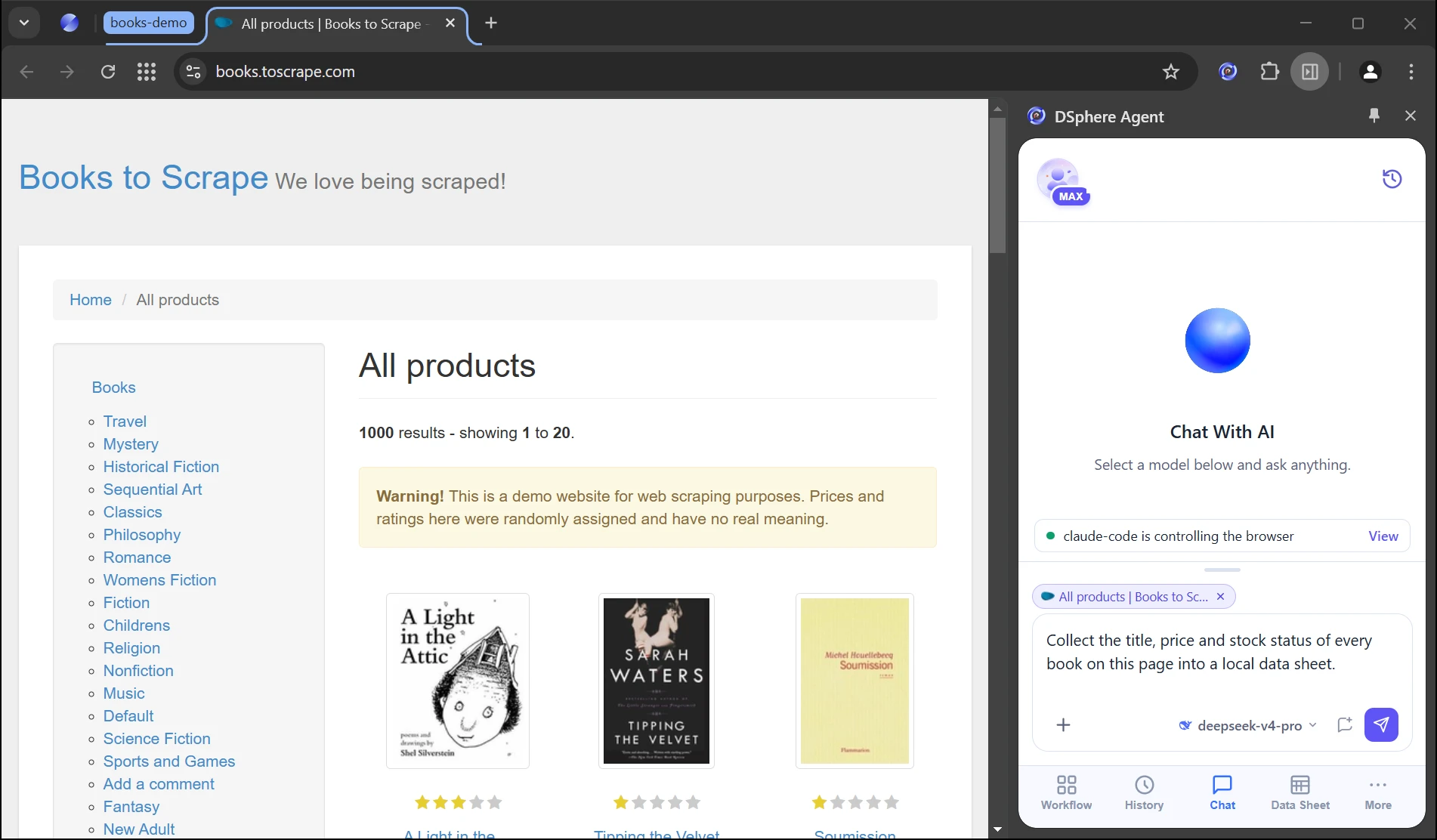
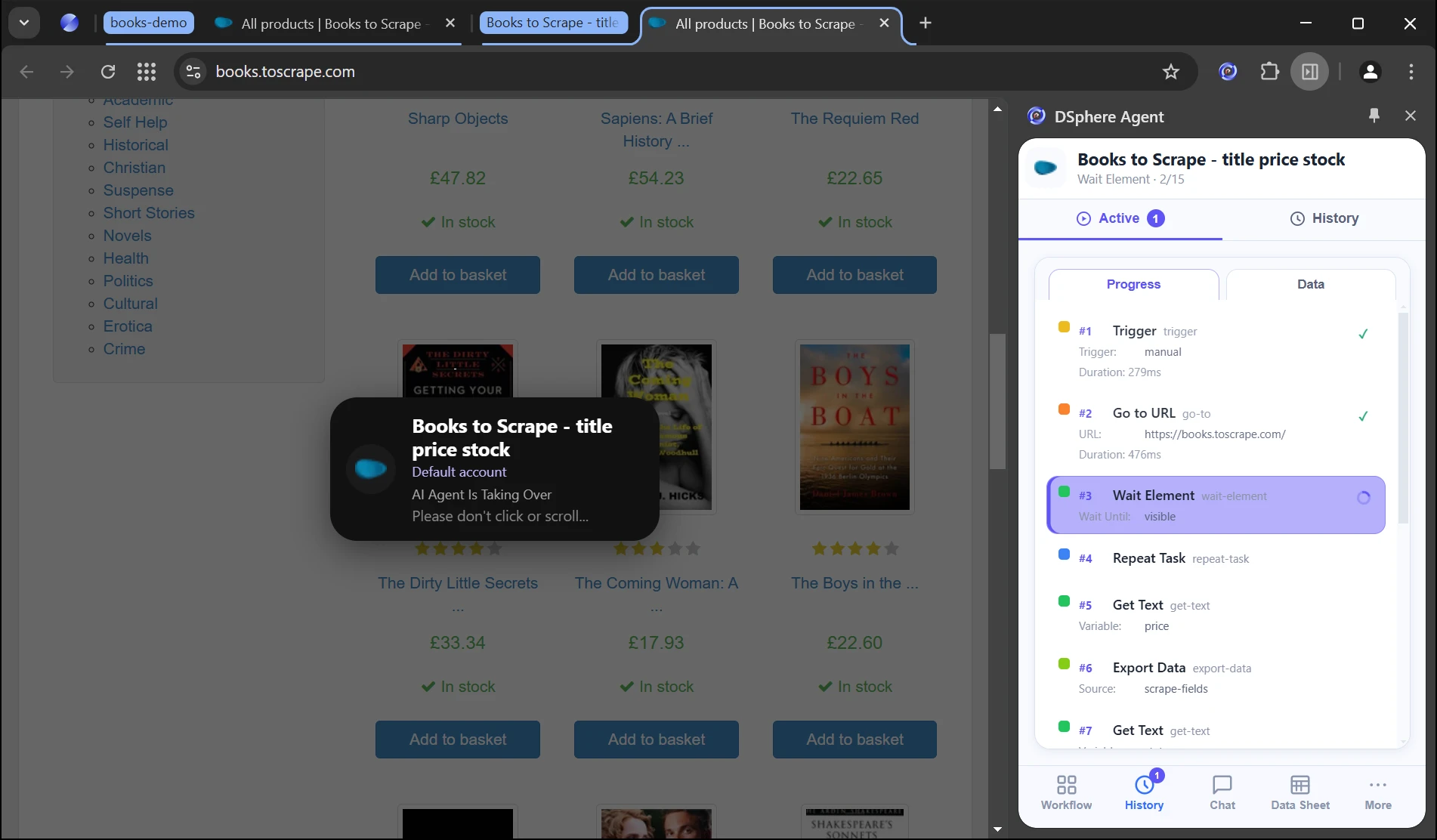
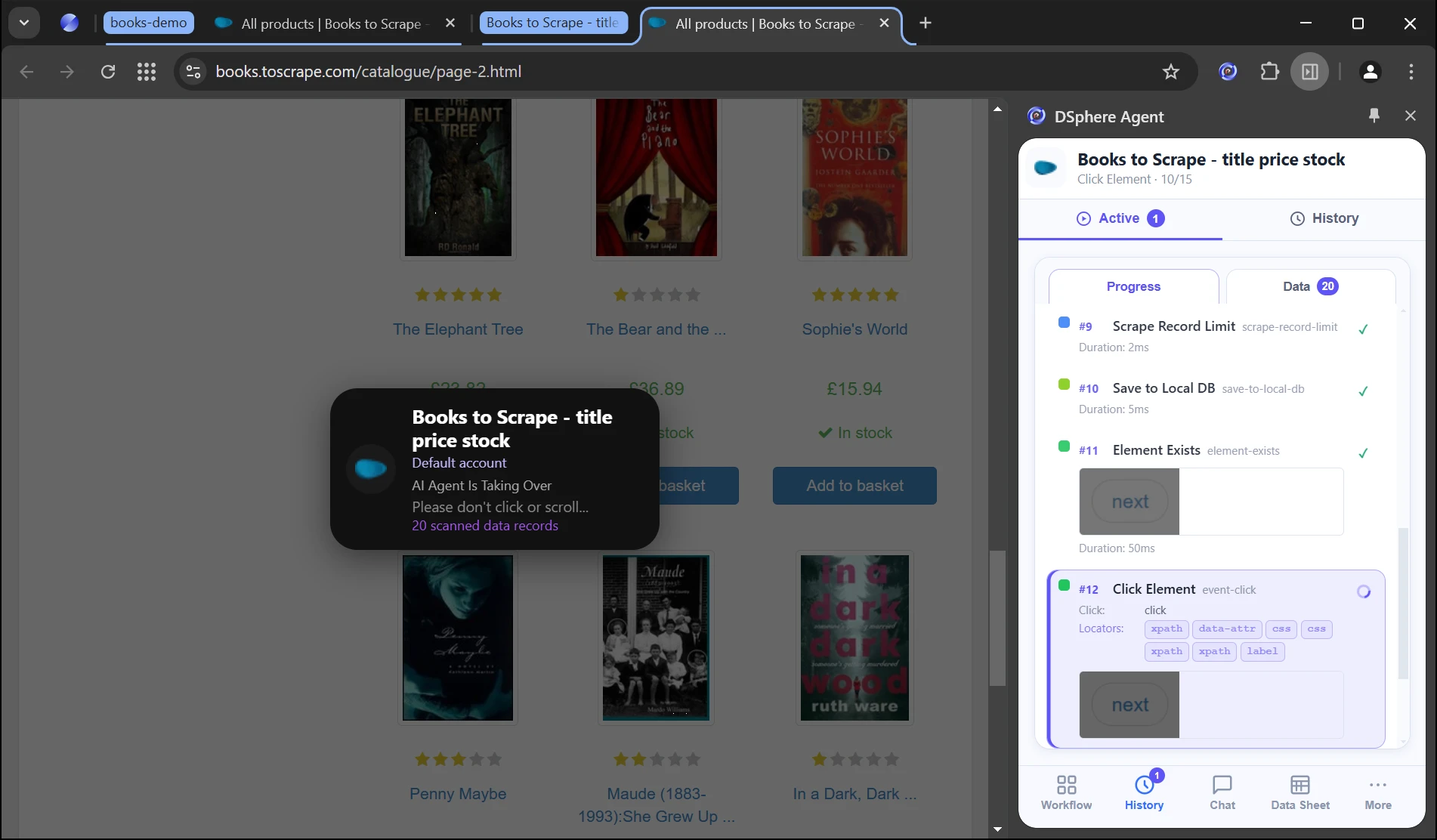
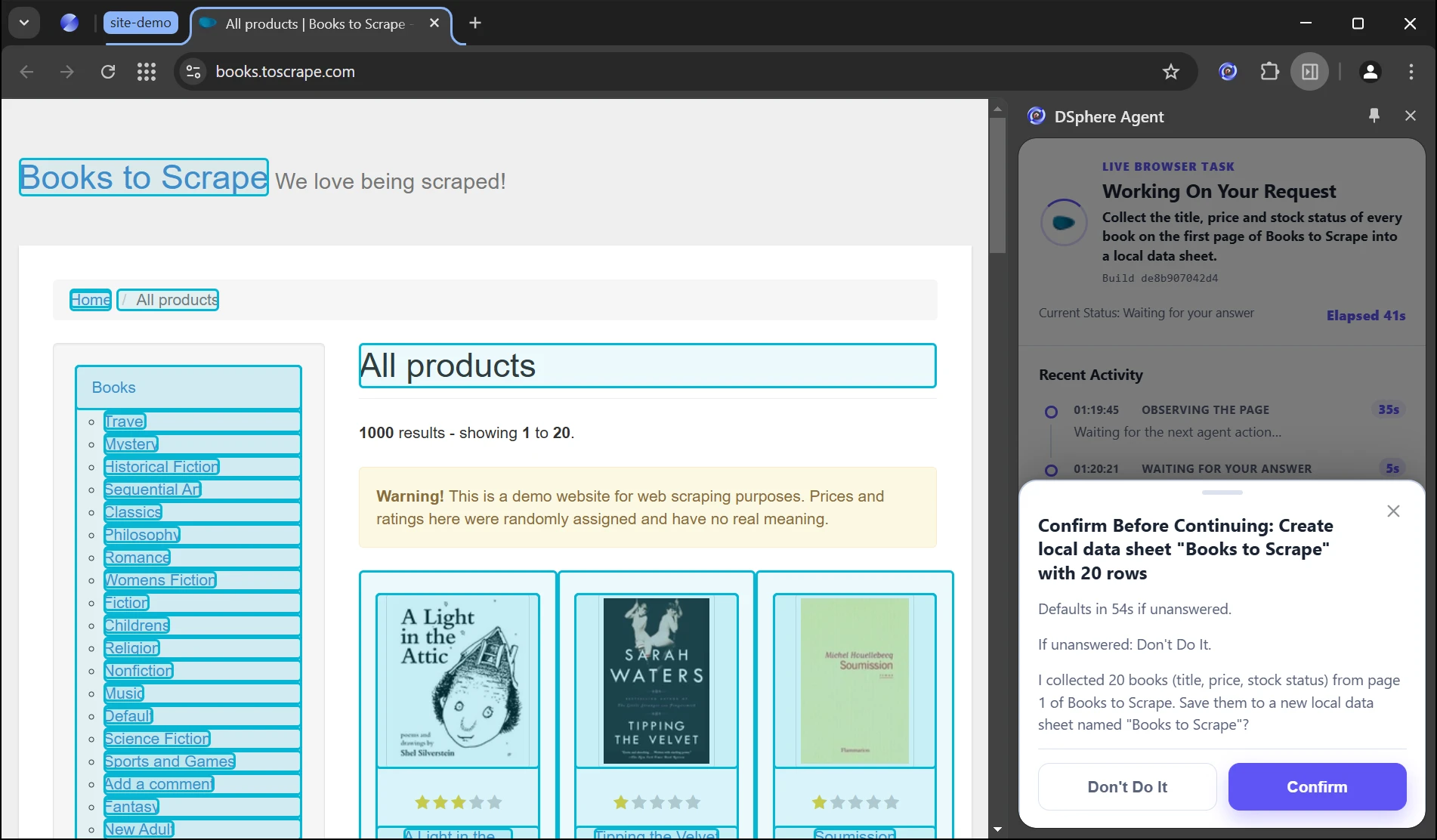
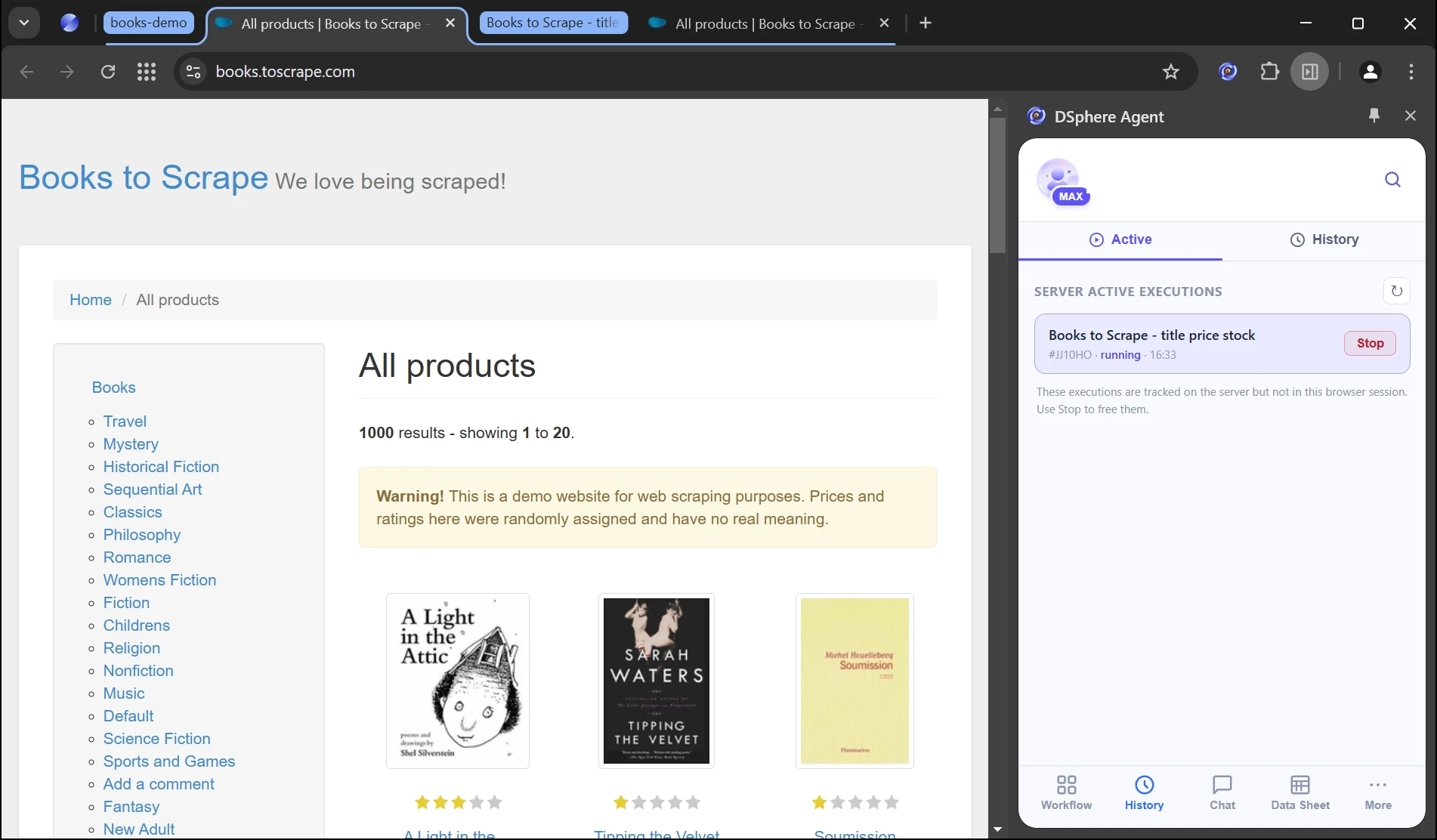
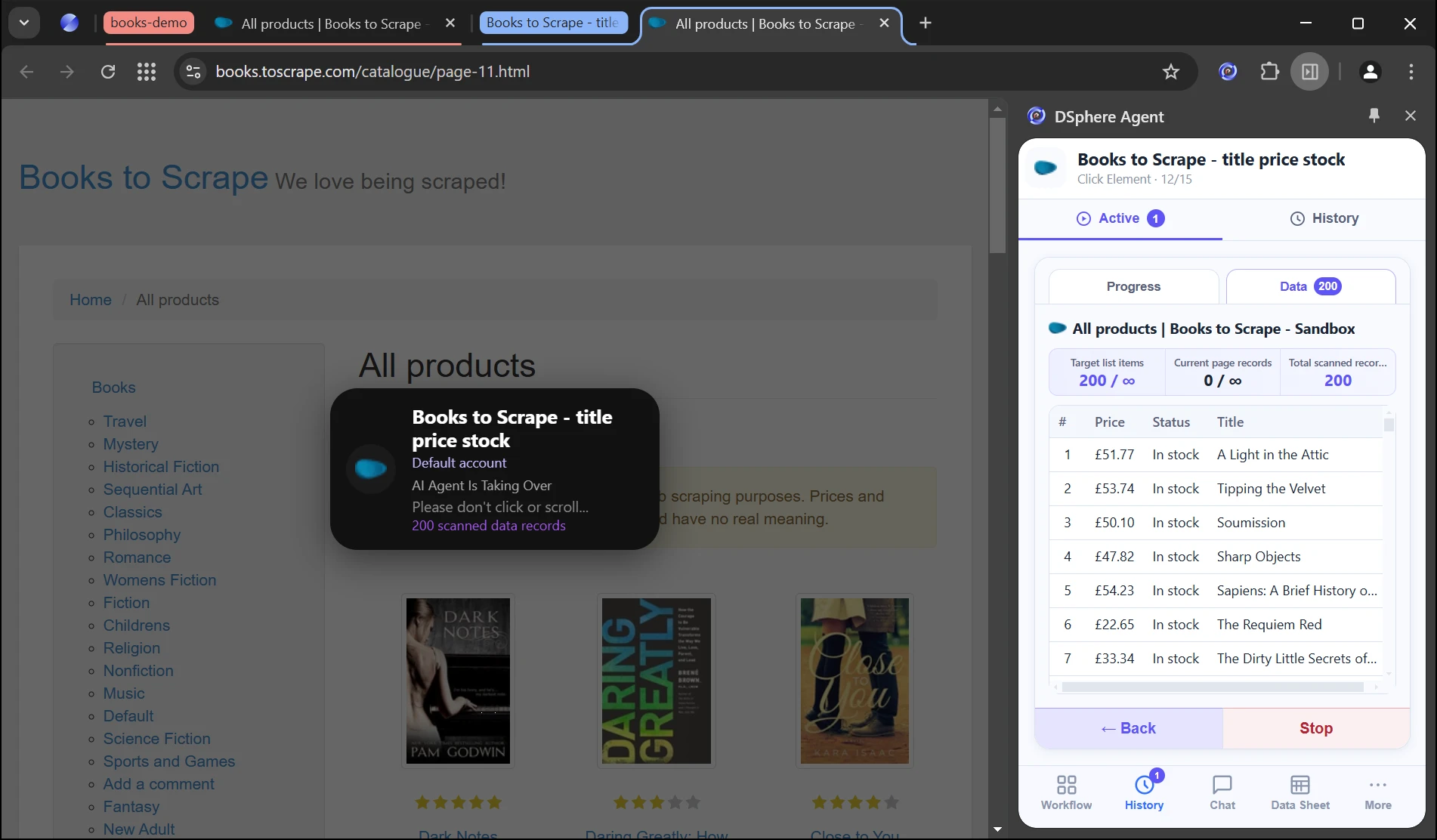
Preparing the product tour…
03/ AGENTIC TASKS
Say The Goal. Get The Result.
Ask Any Agent
Start in your own AI agent or in the built-in Chat.
 Claude Code
 Codex
Codex Cursor
 WorkBuddy
 Built-in Chat
Plan The Task
The goal becomes a checked, step-by-step plan.
Act In The Agentic Browser
Reuses signed-in sessions. You confirm sensitive steps.
Deliver Results
Sends data sheets, CSV and files back to your agent.
Records collected200 records
Sign-inSession reused
Delivered as
SheetCSVExcel
04/ CORE FEATURES
Six Core Capabilities
Give any AI agent a real browser, signed in and ready.
01AGENTS

Works With Any Agent
Cursor, Claude Code, Codex and more connect through the Skill setup guide.
02PLAN

Plans Before It Acts
Understands the goal and checks every step.
03BROWSER
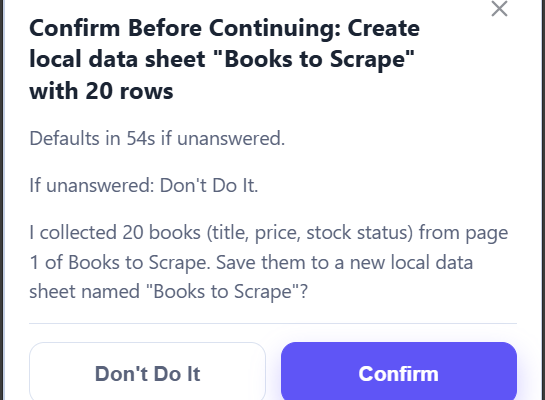
Acts In A Real Browser
Reuses your DsphereAI sign-ins and asks before sensitive steps.
04DATA

Web Data Collection
Extract fields into data sheets.
05RUN

Scheduled And Parallel Runs
Run on a schedule. Handle tasks in parallel.
06WATCH

See Every Step
Live progress with a page frame for each step. Pause or stop anytime.
05/ WHY IT'S FASTER
The Ease Of An Agent. The Speed Of RPA.
Describe the goal once. AI works out and verifies the steps, then the DsphereAI browser reruns them on a schedule or in parallel without asking the AI what to do next. It steps in only to repair a step that fails.
Setting Up
Every Run
Scaling Up
Step-by-step AI agents
Describe the goal
Calls the AI for every step, every time
AI time and tokens grow with every run
Traditional RPA
Developers build flows in a studio
Fast replay of fixed scripts
Breaks when pages change; robot licences and VMs to scale
 Browser + Agent
Describe the goal
AI plans and verifies once, then reruns the verified steps without asking the AI
Parallel runs in isolated tab groups; AI only repairs a failed step
- FASTER
Reruns Skip The AI Round Trips
Repeat runs go straight through the verified steps, with no waiting on a model.
- CHEAPER
Pay For AI Once
Tokens go into planning and repairs, not every repeat. Each step shows its token cost.
- MORE EFFICIENT
Many Tasks At Once
Runs go in parallel in isolated tab groups, with no robots or VMs.
- NO RE-LOGIN
No Repeated Sign-Ins
Reuses the sessions you signed in to within DsphereAI.
The comparison describes how each approach typically works.
06/ USE CASES
Automate Everyday Work
01E-commerce operations
Example request
Update price and stock for the 120 products in this sheet.
✓120 products updatedHandle Products And Orders In Bulk
Update products and collect order data automatically.
View use case →02Content operations
Example request
Collect this week's posts from these 5 accounts and sum up the main topics.
✓5 sources · summary readyTurn Content Into Insights
Collect authorized content. Let AI summarize and classify.
View use case →03Office tasks
Example request
Fill in the sign-up form for each row of contacts.xlsx and check every submission.
✓Each row submitted and checkedAutomate Forms And Data Entry
Hand it to an agent. Fill and check in bulk.
View use case →04Page monitoring
Example request
Check this pricing page every morning and tell me if anything changes.
✓Daily check · notify on changeTrack Page Changes
Check on a schedule. Log changes and get notified.
View use case →05Multiple accounts
Example request
Export today's order report from each of my 3 store accounts.
✓3 accounts · separate sessionsRun Accounts Independently
Separate sessions per account. Review all tasks in one place.
View use case →06AI tools
Example request
Let Claude Code open my signed-in dashboard and pull today's numbers.
✓Via MCP · signed-in sessionGive AI Tools Browser Access
Connect browser capabilities to your AI tools.
View use case →07/ WHY DSPHEREAI
Automation You Can Manage
Separate Account Sessions
Separate sessions. Fewer cross-account errors.
Any Agent, One Browser
Use your own agent or the built-in Chat.
Visible Progress
See status, steps and results.
Data And Access Controls
Manage credentials and data policies.
Let AI Handle Repetitive Work
Bring browser actions, data collection and multi-account tasks into one workspace with DsphereAI.
08/ FAQ
FAQ
Who is it for?
Individuals and teams who handle repetitive web tasks, data collection or multiple accounts.
Do I need to code?
No. Describe the goal in the built-in Chat, or ask Cursor, Claude Code or Codex to do it. How to start →
How is it different from a regular browser?
Any AI agent can drive it, with account isolation, signed-in sessions, scheduled runs and data collection.
How do I start? What does it cost?
Download and create an account. See pricing for plan details and model fees. Compare plans →
- Claude Code
- Codex
- Cursor
- WorkBuddy
- Built-in Chat

Scan with WeChat for support

Scan to follow us on WeChat
Copyright © 2026 Digital Sphere Technology Co., Ltd.

Zhejiang Public Security No. 33011002020912